Platforms Features Screens Install FAQ Get the app
Premium IPTV Player

Your entire IPTV world,
beautiful on the big screen.

LUMAX TV turns any Android TV, Fire TV, TV box or Smart TV into a fast, elegant streaming hub — live channels, movies, series, multi-view and stunning themes, all built for your remote.

4K
Ready playback
0
Platforms
0
Themes
24/7
Auto-reconnect
Live now
⚡ Instant zap
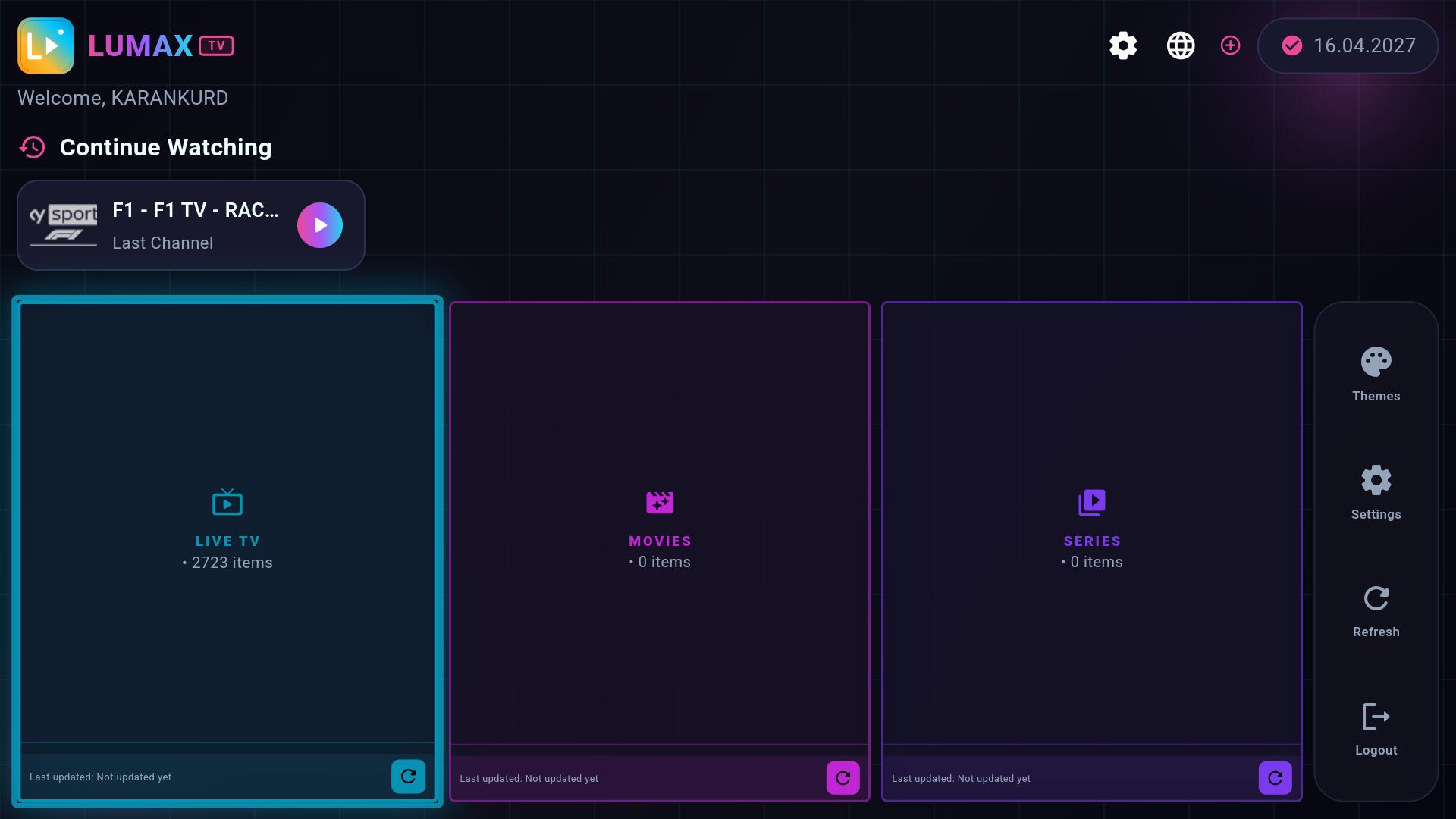
LUMAX TV home screen
ANDROID TVFIRE TVGOOGLE TVTV BOXSMART TVMOBILEWEBOS4K HDR ANDROID TVFIRE TVGOOGLE TVTV BOXSMART TVMOBILEWEBOS4K HDR
Works everywhere

One player, every screen

Install LUMAX TV on the device you already own and pick up right where you left off.

Android TV

TVs & boxes

Fire TV

Stick & Cube

Google TV

Chromecast

TV Box

Any Android box

Smart TV

Modern models

Mobile

Phone & tablet

WebOS

Selected TVs

More soon

Roku, Tizen…

Built for the living room

Everything you need to just watch

Big tiles, crystal-clear focus and buttery playback — every detail tuned for a 10-foot experience and a remote in hand.

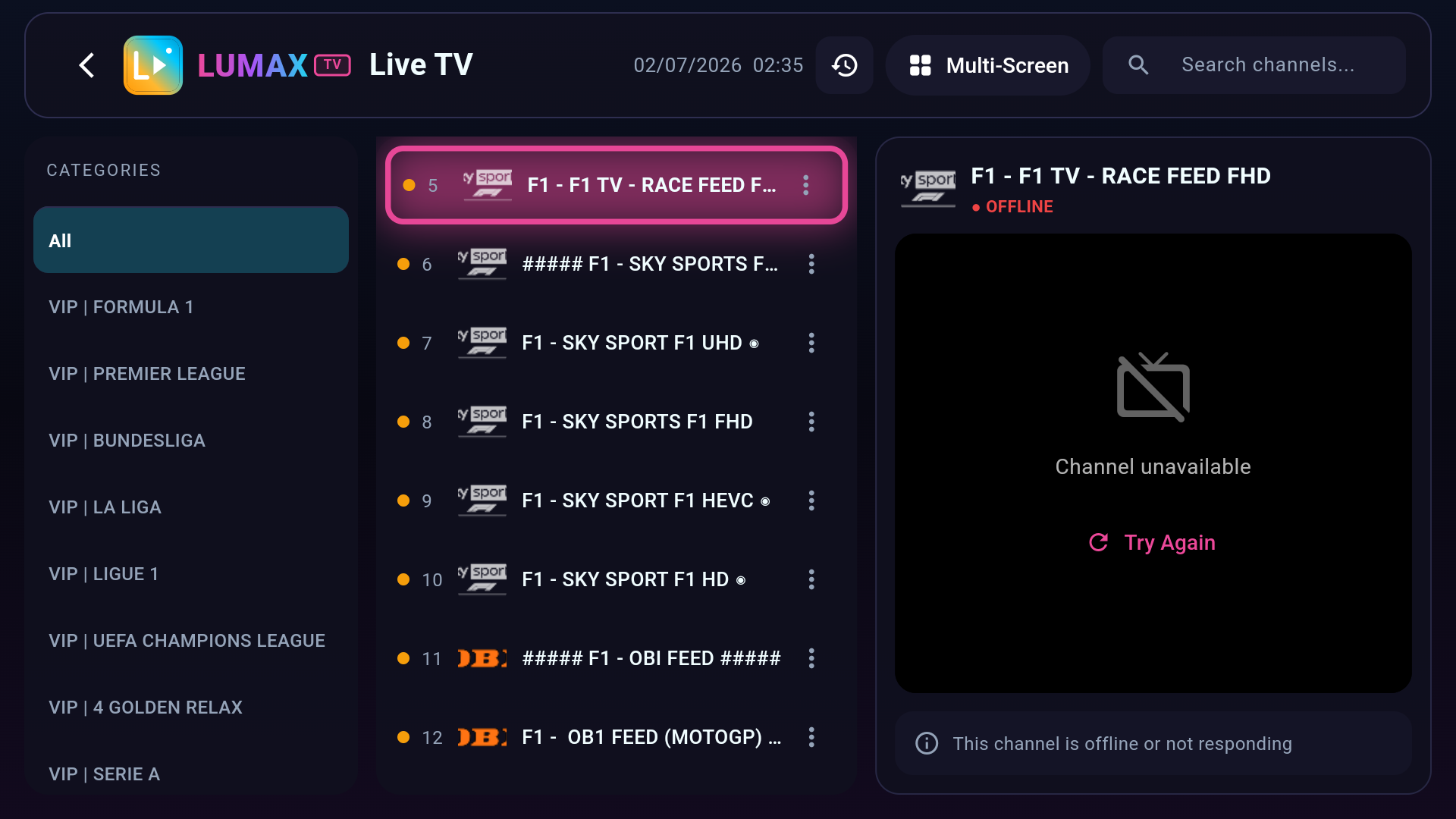
Live TV, done right

Organized categories, favorites, custom folders, channel history and a fast preview zap — jump between channels without losing your place. Xtream Codes and M3U playlists supported out of the box.

Movies & Series

Full VOD and series libraries with resume and continue-watching.

Multi-view

Watch up to four channels at once on supported devices.

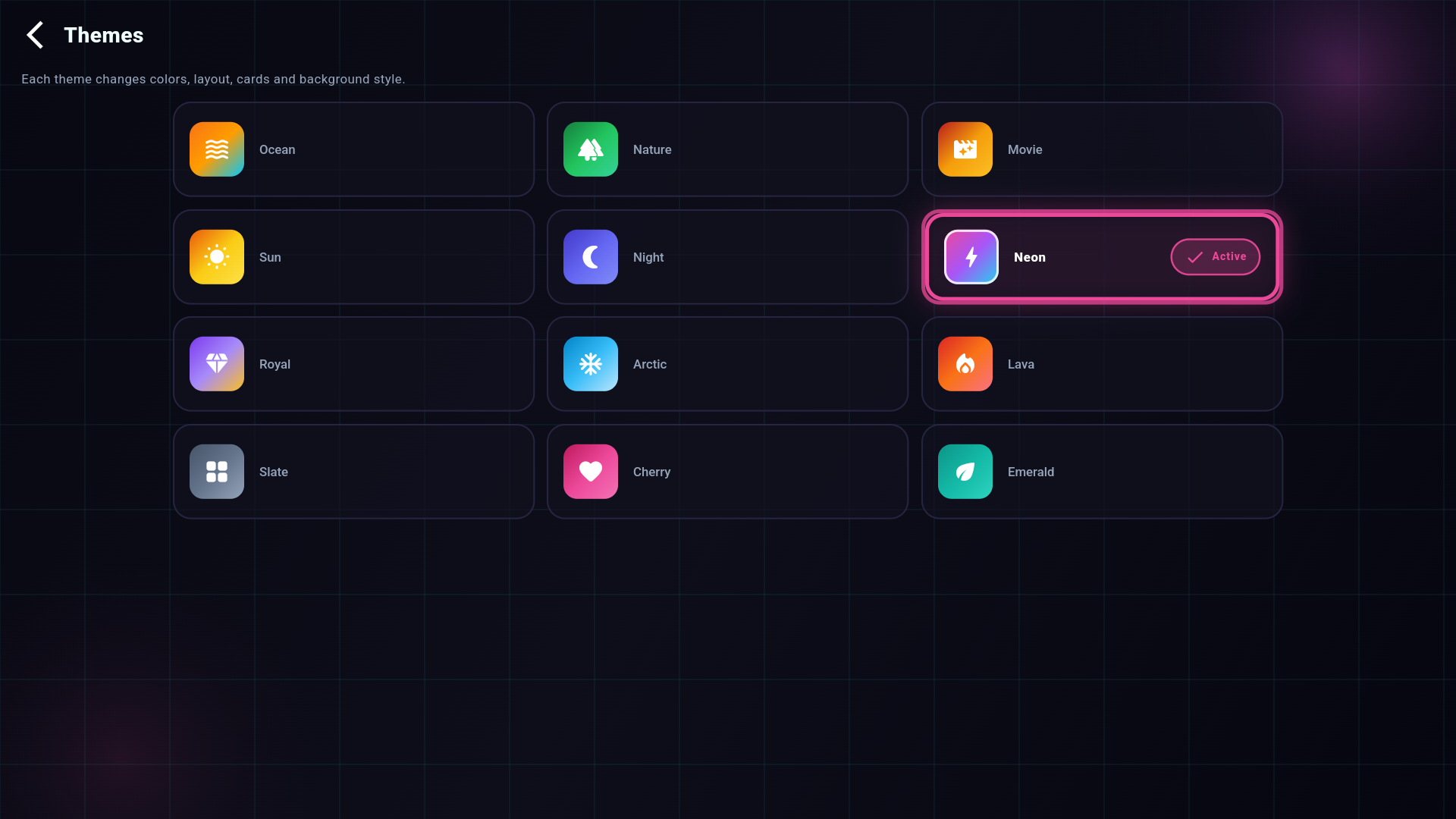
12 themes

Ocean, Neon, Night and more — restyle the whole app in one tap.

Smart failover

Auto-switches between your servers so playback never black-screens.

Secure & family-friendly

Your credentials stay on the device. Lock adult channels behind a parental PIN, manage multiple accounts and switch profiles in a tap. Built-in speed test and one-tap server updates keep everything running smoothly.

See it in action

Designed to feel premium

A clean, modern interface that looks great on any TV.

Live TV screen
Live TV — categories, EPG & preview
Themes screen
Themes — 12 styles, one tap
Settings screen
Settings — full control
Up and running in minutes

Install in 3 easy steps

No technical skills needed — just your playlist or Xtream login.

1

Install LUMAX TV

Download the app on your Android TV, Fire TV or TV box and open it.

2

Add your playlist

Enter your Xtream Codes login or M3U URL from your provider.

3

Start watching

Browse live channels, movies and series — instantly, on the big screen.

Get started

Bring LUMAX TV
to your screen today

Download the app for your device. LUMAX TV is a media player — you provide your own playlist or subscription from your IPTV provider.

Good to know

Frequently asked questions

No. LUMAX TV is a media player only. It does not provide, host or sell any channels, playlists or content. You use it with your own playlist or a subscription from your IPTV provider.

Xtream Codes (username, password & server URL), M3U/M3U8 playlist links and single-stream URLs.

Android TV, Fire TV, Google TV, Android TV boxes, modern Smart TVs, and Android phones/tablets. More platforms are on the way.

LUMAX automatically tries your backup servers and stream formats to avoid black screens. If a channel still fails, it is usually a provider-side issue — contact your playlist provider.

Yes. Your credentials are stored locally on your device and used only to connect to your provider's server.